

A lot of you people must be vexed with your old android mobile phones, having a small screen, outdated version of android like CupCake, Donut, Ginger Bread and HoneyComb, very low RAM and Internal Memory, slow processor speed and various other problems.
You might have been on top when these phones were released into the market, but android phones are being updated everyday with new and better features. To move along with the trending era of cell phones, you have to buy a new one!
Want to play a high end graphic game in your old android phone? Your phone crashes when you try to work on various apps at the same time? The major feature of your phone which constitute to these problems is the RAM. Now, if you are able to extend your RAM you can be capable of performing all those tasks.
This is my simple solution for your MAJOR problem! So, read this carefully and you can increase your phone RAM.
Basically there are two methods to boost or increase your phone RAM in Android phone. The first method uses an application, available for free and premium pack, in the Google play store or Android market. Download them and extend your RAM easily. The second method is done manually to increase RAM in Android phone.
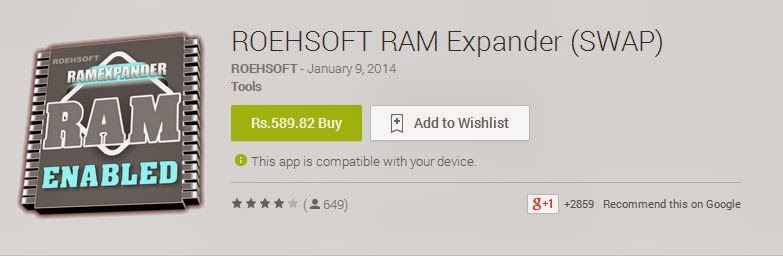
Roehsoft RAM Expander is a wonderful application where you can create partitions in your SD card or Memory card and convert and use it as your RAM. Your SD card will now act as a Virtual RAM for your Android phone.
Click here to Download the app
Click here to Download Free Version (Similar to Roehsoft RAM Expander)
FEATURES:
Free SD card memory as a RAM use (SWAP RAM / SWAP MEMORY)
Using RAM Expander to increase Android phone RAM
There you go! You have successfully increase RAM for your Android cell phone.
Requirements to increase ram in Android Smart Phone
To know more about Rooting and how to root using application Click Here!
As mentioned above, you have to check for swapping functionality. This can be done by using the 

And that’s it! You are done. Check your phone and you will find an increase in RAM by the amount you selected.
Congrats! You have successfully increased RAM of your Android device using SD card.
We are not responsible for any miss use or unsuccessful outcome using the above procedure to Increase RAM of Android. Under expert guidance the methods have been tested and worked for us which may not work for you. The article is purely for educational purpose.